IT-security
I received an email with a suspicious attachment. What do I do?
Have you received an email with a suspicious attachment and don’t know what to do with it?
Before opening the email, it’s best to check a few things first.
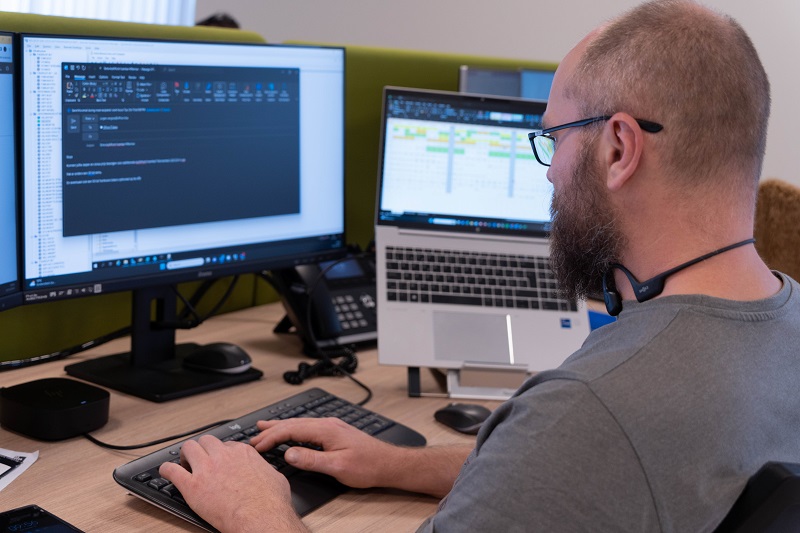
Phishing and other email attacks are a plague. Countless businesses have already fallen victim. You don’t want to be next, do you?
Never open an attachment right away! Always be careful with attachments. If it is an unwanted email, the subject line is blank or vague, it’s best to delete the entire message. Also, do not click on links to websites in these type of emails.
If the email comes from someone you know or expect, it’s best to first save the attachment on your hard drive and let your antivirus program scan it. Be cautious, however, if the email is from a known contact but the style of writing is unusual, or the content does not match the subject.
If your antivirus program does detect a virus in the attachment, delete the file immediately.
When in doubt, always contact the sender to verify if they really sent the email or attachment.
The key to stopping phishing is prevention. Office-IT can help! With our e-mail security solution, you are protected against advanced phishing, spear phishing and malware attacks.
Looking for an IT partner for your SME?
Let us know what could be improved within your organisation. Whether you are a small or a large company, we will be pleased to work with you to examine the most suitable solutions, and are able to offer standard plans as well as custom-made options. The choice is yours.
“It is well known that 90% of cyberattacks start with an email, so we really needed a solution for this.
Now with Vade, suspicious emails no longer reach our inboxes, and that gives peace of mind.”
Whitewood Property Management